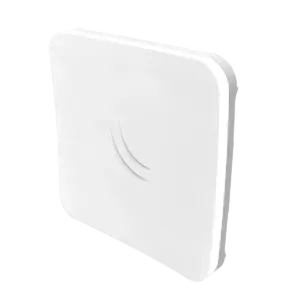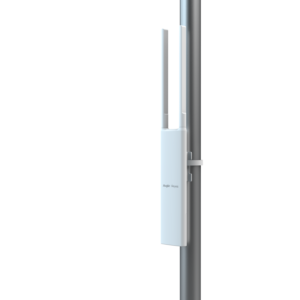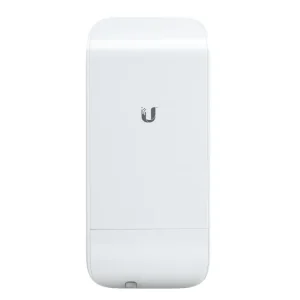


The MikroTik GrooveA 52 ac (RBGrooveGA-52HPacn) is Mikrotik’s smallest outdoor series model—a fully featured wireless RouterBOARD powered by RouterOS. Weatherproof, durable, and ready to use, it features 802.11ac support, a Gigabit Ethernet port, and a selectable wireless band (2.4 GHz or 5 GHz).
Note: Includes a 6dBi omni directional antenna
Technical Specifications
- Manufacturer: MikroTik
- Product Code / SKU: RBGrooveGA-52HPacn
- Product Type: Outdoor Wireless AP/CPE/Backbone with 802.11ac and Gigabit Ethernet
- Architecture: MIPSBE
- CPU: QCA9556 (1 core, 720 MHz nominal frequency)
- Operating System: RouterOS (Level 4 License)
- RAM Size: 64 MB
- Storage Size / Type: 16 MB FLASH
- Ethernet Ports: 1 x 10/100/1000 Mbit/s Gigabit Ethernet port with Auto-MDI/X
- Wireless Standards: 802.11a/b/g/n/ac (Wi-Fi 5)
- Max Wireless Data Rate: 433 Mbit/s
- Power Options: Passive PoE (10V to 30V input via PoE-IN)
- Maximum Power Consumption: 5 W
- Dimensions: 177 x 44 x 44 mm
- Operating Temperature: -40°C to 70°C
Key Features
- Selectable Wireless Band: Operates on either a 2.4 GHz or 5 GHz band (up to 80 MHz wide channel), allowing maximum flexibility and compatibility with legacy devices.
- High-Speed Gigabit Connectivity: Equipped with a Gigabit Ethernet port to help you utilise the full performance benefits of 802.11ac high-speed wireless.
- Out-of-the-Box Access Point Ready: Comes with a RouterOS Level 4 license and includes a dual-band 2.4/5 GHz omnidirectional antenna (6 dBi for 2.4 GHz, 8 dBi for 5 GHz) for immediate deployment.
- Weatherproof Design: Fully sealed, durable outdoor enclosure built to withstand harsh environmental conditions ranging from -40°C to 70°C.
- Direct Antenna Integration: Features a built-in N-male connector and pole attachment points to mount directly onto an antenna or connect via a standard antenna cable.